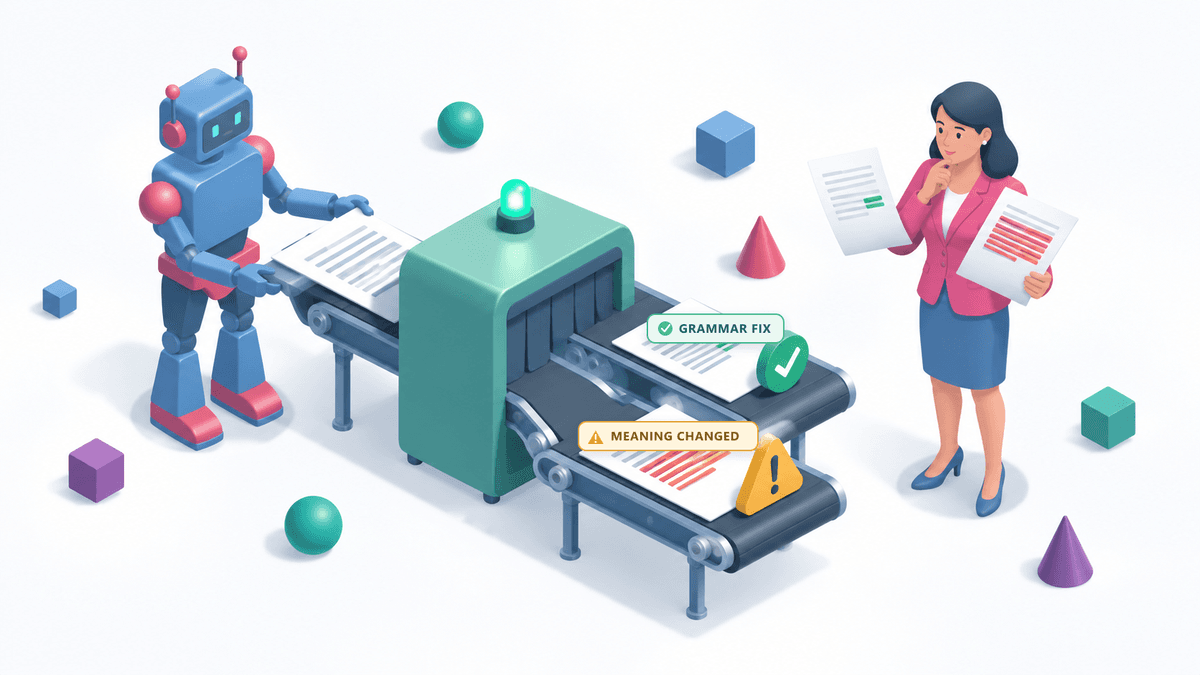
What exactly are you asking the editor to change?
Grammarly offers both regular writing suggestions and generative AI features. Its support documentation includes changes to clarity and tone among its regular suggestions. So even if you never asked the program to “write this for me,” it may have done more than correct errors.
Before editing, it helps to distinguish between the tasks:
| What you ask the editor to do |
What to check in the result |
| Correct spelling and grammar |
Whether the errors were corrected without changing the meaning |
| Shorten a paragraph |
Whether it kept the conditions and qualifications that affect the conclusion |
| Make the text more convincing |
Whether it added arguments or made claims more certain than they should be |
| Expand an explanation |
Which ideas the program added and whether there is evidence for them |
These are examples of editing tasks, not results from our own testing of Grammarly.
The difference matters particularly if English is not your first language. You may accept a new sentence because it sounds more professional. But, for example, “the results allow for this explanation” and “the results confirm this explanation” have different meanings. More confident wording needs evidence to support it.
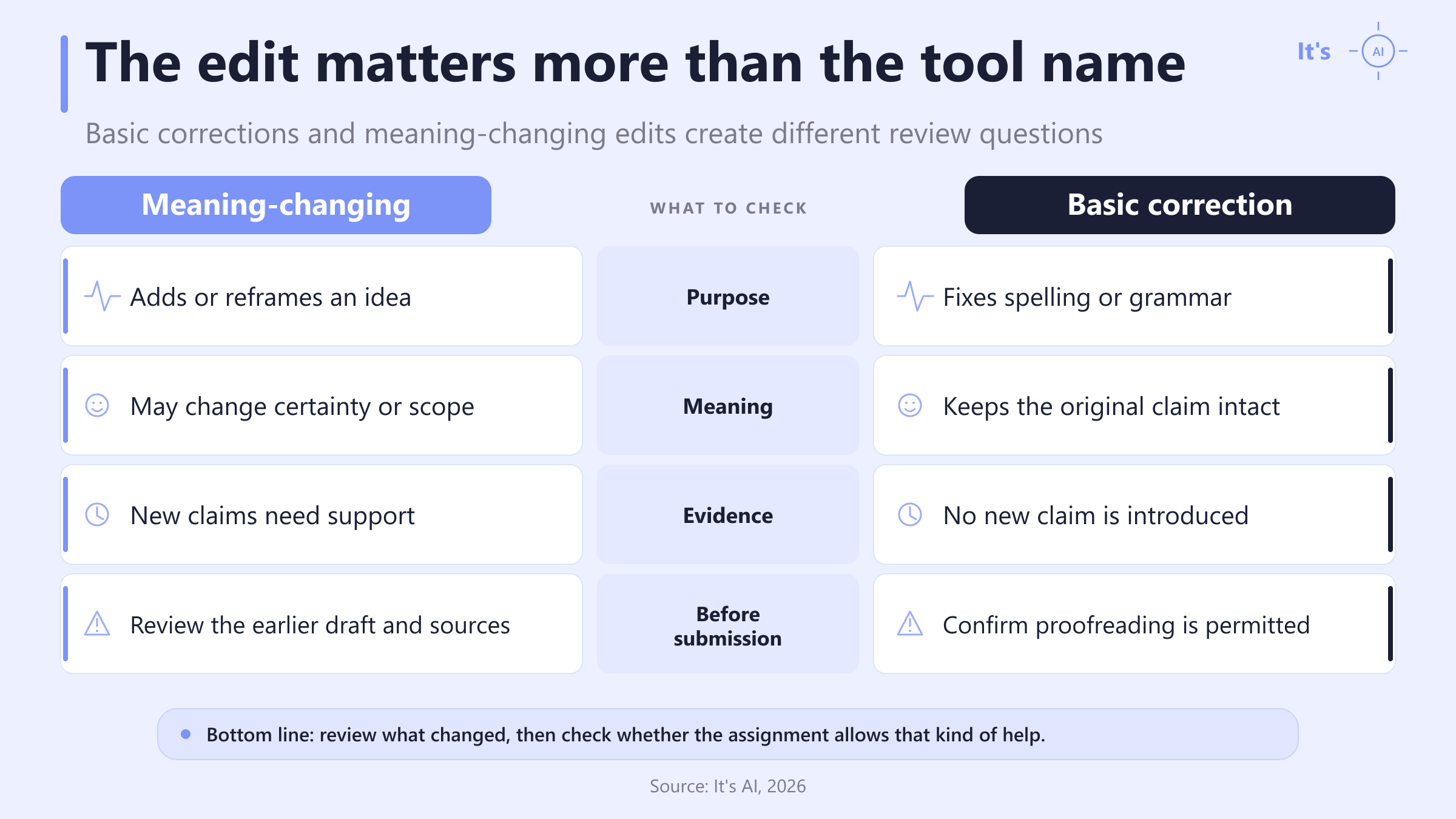
Meaning-changing edits vs basic corrections
What a study of different Grammarly commands found
The EditLens study helps explain why editing features should not all be assessed in the same way. The authors took 197 texts written by people and applied nine Grammarly commands to them. This produced 1,768 versions.
The researchers then assessed these versions using their own model. After the command to correct errors, its scores indicated less AI editing. After requests to expand or summarize the text, they indicated more.
This was not a test of It's AI, so those scores cannot be applied to our service. The authors include employees of a company that also develops an AI detector.
The practical conclusion is more limited than a promise that “this button is safe.” Before checking your work, recall which commands you used. Correcting errors and writing a new explanation are different kinds of help, even if both features are in the same editor.
However, understanding how much changed is not enough. You also need to know which changes your assignment allows.
Why you should clarify whether Grammarly is allowed
Some academic programs already describe permitted help in detail.
| Where the rules apply |
What students can and cannot do |
| Stanford's Program in Writing and Rhetoric, PWR |
Students can use some basic autocorrect features. They cannot accept suggestions that change the tone or organization of their writing |
| The University of North Texas BAO program |
Students can use limited proofreading. They cannot use tools to change sentence structure or reorganize the text. For some allowed uses, they must name the tool and explain what they used it for |
Sources: Stanford PWR FAQ; UNT BAO policy, effective January 2026. These are the rules of the two programs listed.
If the instructions for your assignment only say “AI is prohibited,” ask whether that includes grammar corrections and suggested sentence rewrites. You need that answer before editing. Finding out after submission leaves you with a finished paper that may need to be changed again.
We think instructors should include these details in the assignment. Students can then choose which features to use without having to guess. An AI check cannot tell them what their instructor allows.
How to check a text after using Grammarly
When an editor receives a finished article, they usually cannot see which Grammarly suggestions the author accepted. Asking for drafts and comparing every sentence takes time. A check with It's AI helps the editor choose where to start.
If the service flags the article's conclusions, the editor can ask for an earlier version of that paragraph. Comparing the two will show whether the edits corrected grammar or added arguments. If new arguments appeared, the editor knows what to discuss with the author and which claims to check.
This way, a detector can reduce the time spent on an initial review: it helps the editor choose passages to discuss and helps the author understand what is being questioned. The highlighting alone does not prove a violation, but it can help turn a suspicion into a specific review of the text.
Before handing over an article, save the draft, check the final version, and review the flagged passages. You may leave them unchanged. Or you may notice that an edit which initially looked useful changed what you meant. Sorting that out before sending the article to an editor is usually easier than reconstructing your work after they ask about it.
FAQ
How do I turn off generative AI in Grammarly?
You can turn off Grammarly's generative AI in the Feature customization tab of your account settings. Grammarly says these prompt-based features are optional and are not enabled by default. Turning them off does not remove the product's regular suggestions for spelling, grammar, clarity, or tone; those features use Grammarly's foundational AI and cannot be disabled separately. If your school permits proofreading but not generated rewrites, check the assignment rules before accepting suggestions. Grammarly explains the distinction in its official support guide.
What does the AI percentage mean in It's AI?
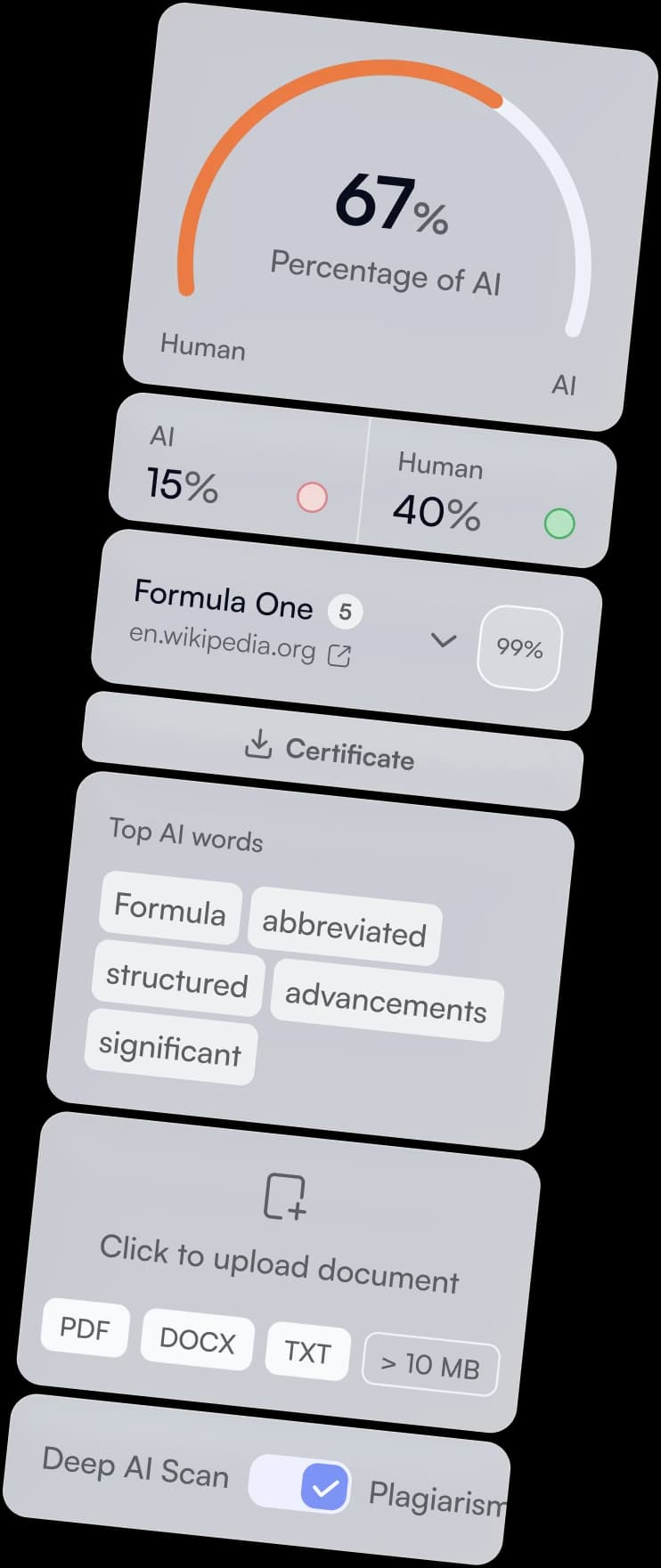
The AI percentage is a detector score, not a measurement of how many words an AI tool wrote. In the It's AI API, the reported percentage combines the shares assigned to the AI and Probably AI categories. Sentence-level results show which passages contributed to the result, but highlighting is not proof that a particular sentence was generated or that a student broke a rule. Read the percentage as a signal for review. Compare flagged passages with earlier drafts, then ask what editing took place before reaching a conclusion. The It's AI API documentation describes the score fields.
Is an AI detector the same as a plagiarism checker?
No. An AI detector estimates whether writing resembles text produced by an AI model, while a plagiarism checker looks for matching language in published or indexed sources. The evidence is different: a plagiarism report can point to a source with similar wording, but an AI score does not identify a source document. A paper may have no copied passages and still receive an AI flag. It may also contain copied text that looks human-written. The It's AI product page describes its AI scan and plagiarism check as separate checks, so reviewers should not treat one result as a substitute for the other.
Can an AI detector tell whether I used Grammarly or ChatGPT?
No. An AI detector cannot reliably identify which writing tool produced or edited a passage. It assesses patterns in the submitted text, not the application's name or the writer's editing history. Grammarly also states that current detectors cannot conclusively determine whether AI was used. If the exact process matters, stronger evidence comes from draft history or a record of accepted edits. Those records can show when wording changed and whether a new idea appeared. Use the detector to choose passages for review, then use process evidence to answer the attribution question.