AI text watermarks are here. Why use an AI detector? | It's AI
AI Studies
AI text watermarks are here. Why use an AI detector?
AI text watermarks promise clearer answers about who wrote a text. Compare access to provider checks and see how an AI detector helps editors review articles.
Svetlana ShakhovaNov 10, 202625 min read
If AI developers add watermarks to generated text, checking where an article came from should become easier. An editor receives an article, uploads it to a service and finds out whether it carries a watermark. At last, there seems to be a way to learn about its origin without guessing from individual phrases.
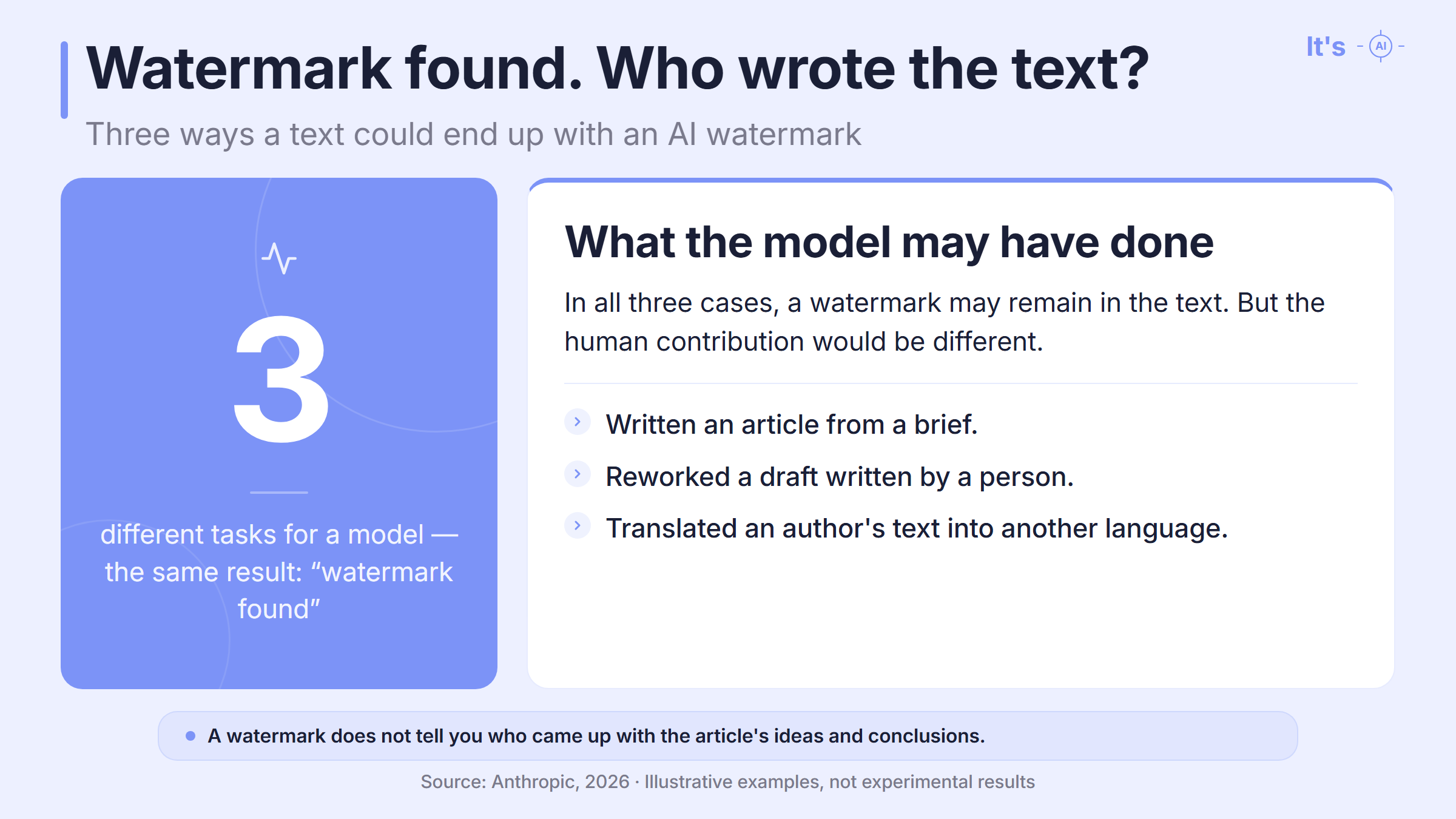
But a text can change a great deal between generation and publication. One model may write the draft, another may rework it, and a third may proofread it. The author then makes their own changes. The editor receives the final version, and that is the version they need to assess.
Will the watermark survive all that work? The answer depends on how it is embedded in the text.
Curious how your own text scores? Check it right here.
characters (min 200): 0/500000
PDF, DOCX, TXT
Deep AI Scan
find out which part of text seems AI-generated with our sentence-level segmentation.
Plagiarism check
detect plagiarized content by comparing your text against online sources.
Grammar check
find grammar and spelling mistakes in your text.
4000words left
How an AI text watermark works
A text watermark is not a separate character you can find and delete. In these systems, it comes from the way the model chooses words.
A model can continue a sentence in different ways. Watermarking affects its choice between suitable options, leaving a statistical pattern across the text. That is the pattern the checking tool looks for. Anthropic, for example, changes the source of randomness used to choose words. How Anthropic watermarks text.
Clearing the formatting does not affect that pattern. Editing changes the wording itself, so it may weaken the signal.
Providers can also record information about how content was created or edited in the metadata of supported files. That record can be lost when the file is converted. A service that reads metadata checks the record; it does not need to look for patterns in the wording. How these checks differ.
An editor therefore has two questions: can the service look for a watermark in the text itself, and can they get access to that check? Being able to upload a file and view its origin information does not answer the first question. Anthropic, OpenAI and xAI already have tools for detecting text watermarks, but access requires a separate application.
AI watermark detection: which tools can you access?
Access varies even among companies that already watermark their responses. These are the options described in their official documentation as of November 10, 2026.
Google SynthID Detector: can it check Gemini text?
Google says it uses SynthID for text in the Gemini app and on the web. The system adjusts the probabilities used when selecting tokens, creating a detectable signal.
However, the public SynthID Detector lists checks for images, video and audio. It does not list a feature for checking Gemini text for a watermark. The presence of SynthID in Gemini responses therefore does not give an editor a ready-to-use public tool for checking an article. Google SynthID features.
Anthropic's detector: who can check Claude text?
Supported Claude models watermark their text. Anthropic's detector for these watermarks is in private preview. Eligible organizations, including news outlets and research organizations, can apply. Some businesses can also check their own Claude outputs to help meet watermarking obligations.
The free Claude Content Checker checks file provenance information. That is a separate mechanism, not a public watermark check for pasted text. Anthropic's access conditions.
OpenAI's detector: access to ChatGPT text checks
OpenAI uses textGrain to watermark ChatGPT text in the EU. API users can choose to enable watermarking separately.
Access to OpenAI's text watermark detector is available to approved research and academic organizations studying watermarking and detection reliability. Routine commercial checks and checks of student work are currently outside the program. You can enable watermarking for API responses without having access to the detector. Checking for a text watermark still requires separate approval. The public Verify service accepts images and audio, but not text. OpenAI's access conditions.
Grok watermark detection: API settings and access
Watermarking is off by default in the Grok API, according to the documentation dated November 9. An administrator can turn it on for supported models in the team's settings. Some models may have it enabled without an option to turn it off. The watermark comes from SynthID Text: the choice of words leaves a statistical pattern in the text. This describes the API, not every Grok response across its applications.
Checking a Grok text watermark requires access to a separate detection API. Access is available by application, but the page does not list detailed eligibility requirements. Grok documentation.
AI detection after editing with several models
An editorial team that meets a provider's conditions can apply for access to another way to check text. Approval resolves the access question, but it does not make the result a complete account of how an article was written. OpenAI, for example, explicitly says its provenance tools are not intended to detect content from other models. The scope of OpenAI's checks.
Consider the article that passed through several models. Some phrases from the first draft may remain in the final document, while other parts have been rewritten. A watermark detector looks for the signal it supports in the text left after editing. It cannot reconstruct the sequence of drafting and editing steps on its own.
Even when a watermark is found, a question remains: did the model come up with the ideas or help express ideas the author already had?
None of these uses tells us, on its own, whether the text turned out well. There is also a separate question: can watermarking itself affect the writing?
Can AI watermarking make the writing worse?
One concern is that watermarking makes AI-generated text less natural and more formulaic.
The model itself or the service's settings may have changed when watermarking was introduced. Comparing responses before and after the update does not tell us which change affected the writing.
Anthropic explains that the model still chooses between suitable continuations; watermarking should not force it to use words that do not fit. The company found no decline in quality in its own tests. OpenAI also reports that its published tests showed no substantial difference. Anthropic's explanation, OpenAI's results.
Those test results do not guarantee that a particular article will be well written. If it contains awkward phrases or general statements where an explanation should be, an editor has something to fix. They do not need to know whether watermarking caused the problem to do that work.
Why use an AI detector when AI assistance is allowed?
Permission to use AI answers a question about how an article may be prepared. It does not mean that every resulting draft is suitable for publication.
We are not against using AI. The problem arises when someone accepts a model's response without considering what it has done to the author's point. A specific observation may become a general discussion, while the author's voice gets lost among familiar AI-generated phrases.
For a company, this affects more than the quality of one paragraph. If an article promises to share experience but offers a collection of clichés, the reader does not get what was promised. They have a reason to doubt both the company's expertise and the care it takes with its audience. Awkward wording can also distract from an offer: the reader has to untangle the sentence to understand it.
For us, responsible AI use means that a team reviews the material it publishes under its name. Information about its origin can help, but a watermark check does not assess how well a paragraph is written, even if it came from that provider's model.
An independent AI text detector looks for signs of generation in the finished text. If the result highlights specific passages, an editor can reread them and decide whether they need changes.
How It's AI helps editors check text for AI
One AI detector for text from different models
It's AI analyzes patterns in finished writing using models trained on human-written and AI-generated material.
The service is designed to check text from ChatGPT, Gemini, Claude, Grok and other models. An editor can use one tool without first establishing where each document was prepared. How It's AI works.
Checking the finished text for AI is especially useful when an article has been through several stages of editing. The scan covers the version the team actually plans to publish. Work involving several models remains a difficult case, though, and there is no basis for promising error-free detection.
The team has been developing It's AI since June 2024. Its published tests provide a way to assess AI detector accuracy: the website reports 98.3% on RAID, which covers text from different language models and changes to generated material. That result applies to the English-language test conditions; it does not guarantee the same accuracy on every document. The project's history, test results.
Sentence-level AI detection: what the highlights show
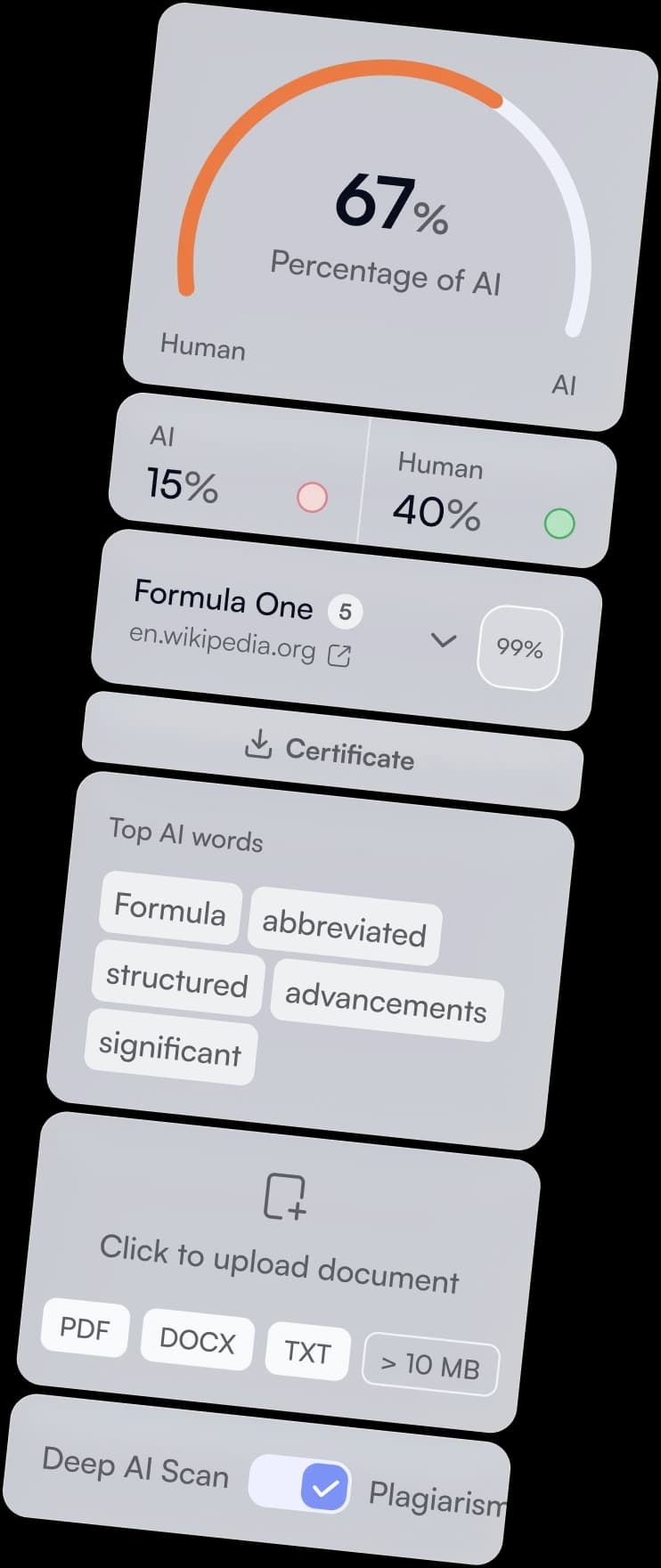
In Deep Scan mode, It's AI gives an overall result and highlights sentences with signs of generation. Additional word and phrase highlighting shows how they contributed to the assessment. In a long article, this lets an editor go to specific passages and read them with the surrounding text. Deep Scan features.
Suppose a highlighted paragraph promises to explain a fall in sales, but only says that the business needs to "adapt to changing conditions." The detector flagged signs of generation. On reading it again, the editor found a problem with the content: the promised explanation was missing. Fixing that paragraph takes the author's observations or data; rearranging the words will not supply them.
Another highlighted passage may be accurate and necessary. It does not need rewriting just because it was marked. The decision depends on what the editor finds in the text, not on a desire to remove every colored highlight.
That is the value we see in using an AI detector alongside an editor. The check draws attention to passages that might otherwise receive no further review. The editor uses the result to preserve the author's point and remove anything that gets in the way of understanding it.
You do not need to reconstruct the full sequence of models involved in producing the article. You can check your finished article for AI with It's AI and work on the version your audience will read.
FAQ: AI detectors and checking text for AI
Do I need OpenAI's official detector to check ChatGPT text?
You do not need access to OpenAI's detector to check ChatGPT text. With It's AI, you can check finished writing for signs of generation and review the highlighted passages. The name "ChatGPT detector" does not mean that a service was developed by OpenAI or has access to its watermarking system. When choosing a tool, check whether it looks for an embedded watermark or patterns in the writing. It's AI features, OpenAI's explanation.
Can a Claude AI detector distinguish generation from editing?
A result for Claude text cannot, on its own, show whether the model wrote it from scratch or revised a human draft. This applies to both independent AI detection and Anthropic's watermark detection: each checks the finished text, not its editing history. A translation of human-written text, for example, may carry a model's watermark even though the original ideas came from a person. Assessing the extent of the changes requires the original and the revised version. How editing and translation affect watermarks.
Should I check Gemini text with an AI detector or Google SynthID?
To analyze an article, use an AI text detector that lists Gemini among the models it covers. The public Google SynthID Detector lists checks for images, video and audio; it does not list an option to upload arbitrary text to check its watermark. A screenshot of an article does not solve this problem: checking the origin of an image does not establish where the words in it came from. Text analysis needs the text itself, such as a passage copied from a document. Google SynthID features.
Why does an AI detector flag text when no watermark is found?
An AI detector and a watermark checker look for different signals. Independent AI detection analyzes patterns in the writing, while watermark detection looks for a signal embedded during generation. AI-generated text may have been produced without a watermark, and rewriting can make an existing mark harder to detect. The absence of a watermark therefore does not disprove an AI detector's result. A difference between the two results does not necessarily mean that either tool made an error. How the methods differ.
How accurate are AI detectors, and can they give false positives?
AI detector accuracy depends on the tool and the test conditions; false positives are possible. It's AI reports a 0.8% false positive rate on ASAP 2.0, a dataset containing about 25,000 human-written English texts. That is the share of human texts incorrectly flagged as AI in that particular test, not the probability of an error in any individual result. Accuracy comparisons between detectors are more meaningful when they use the same material under comparable conditions. It's AI testing methods and results.
How much text does an AI detector need?
It's AI requires at least 200 characters for AI detection. It does not accept a shorter passage for a separate check. If you add unrelated messages to reach the minimum, the result applies to the combined text, not just the passage you wanted to check. To examine part of an article, you can include a longer excerpt from the same article with the surrounding context. The 200-character minimum is an input requirement, not a guarantee of an error-free result. It's AI scan requirements.
How do I check a PDF or Word document for AI?
In It's AI, you can upload a PDF, DOCX or TXT file, or paste the document's text into the scan field. The AI detector analyzes the writing; the file format alone does not indicate who wrote it. If a PDF contains scanned pages, first make sure its text has been recognized correctly. Text recognition errors change the material submitted for analysis. It's AI supported formats.
AI detector vs. plagiarism checker: what is the difference?
An AI detector looks for signs of generation, while a plagiarism checker looks for matches with existing texts. Generated material may contain no such matches, and a person can copy someone else's writing without using AI. A low similarity percentage therefore does not mean that a human wrote the article, and a high AI Score does not, by itself, prove copying. It's AI offers separate checks for these tasks. AI detection and plagiarism checking.