

No. Different detectors can return different results, and any detector can make mistakes. Follow your university’s rules, cite sources and keep evidence of your writing process rather than editing solely to change a score.
No. Check the original Arabic text directly. The English interface is separate from the language of the document, and translating first would change the text being assessed.
Results depend on the text, its length, topic and editing. Consult the accuracy page for Arabic benchmark details. Multilingual benchmark figures are not an accuracy guarantee for an individual Arabic document.
Keep quotations and references in your submission. If you inspect a passage separately, keep a copy of the full draft so you can explain which words are quoted and which are yours.
Use the free allowance shown in the app to check a substantial section of your own draft. Inspect the highlighted sentences alongside your outline and follow the disclosure rules for your course.
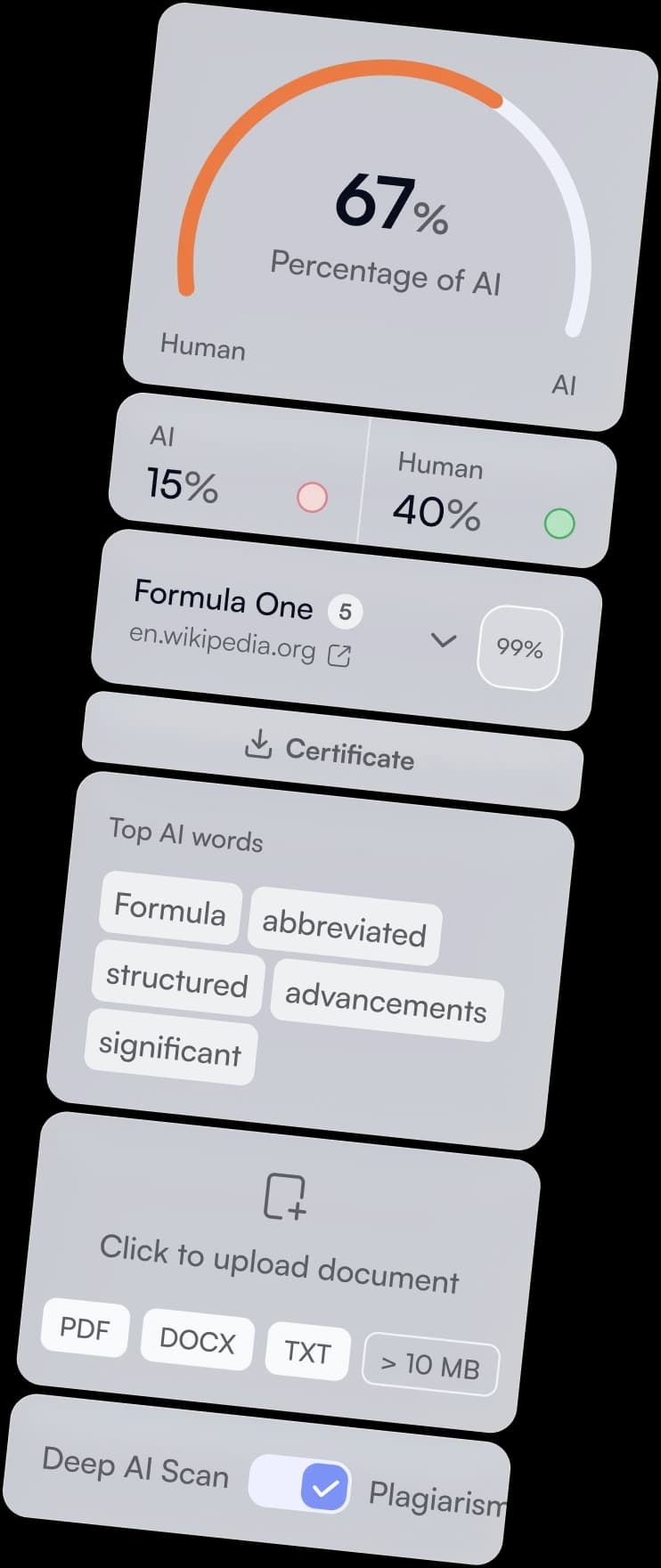
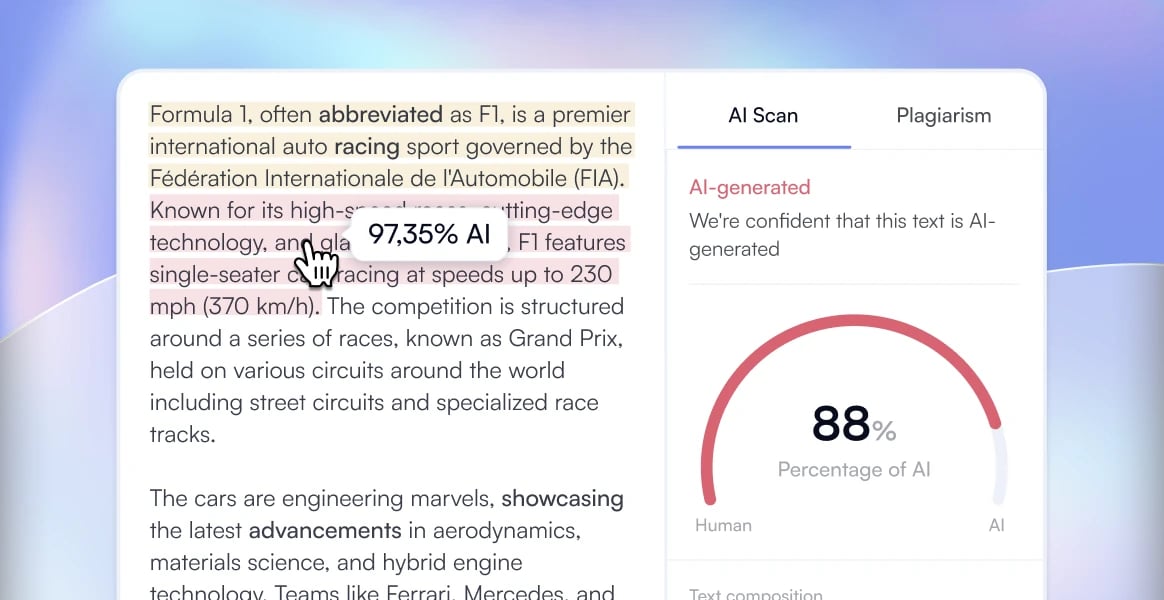
Paste your Arabic draft or upload a supported document. Review the overall AI likelihood and inspect sentence-level results with Deep Scan. Check references and follow your course rules about permitted AI assistance.
A scan can estimate patterns associated with AI-generated text, including writing produced with tools such as ChatGPT. It cannot prove which model was used or identify who wrote the passage.
Keep your original drafts and sources, read the flagged passage in context and check your reasoning and citations. If your teacher raises a concern, explain your writing process. Do not treat a score as a verdict on authorship.
No. A report records the analysis of the submitted text. Keep it alongside your notes, outlines and revisions if useful, but follow your institution’s assessment requirements.
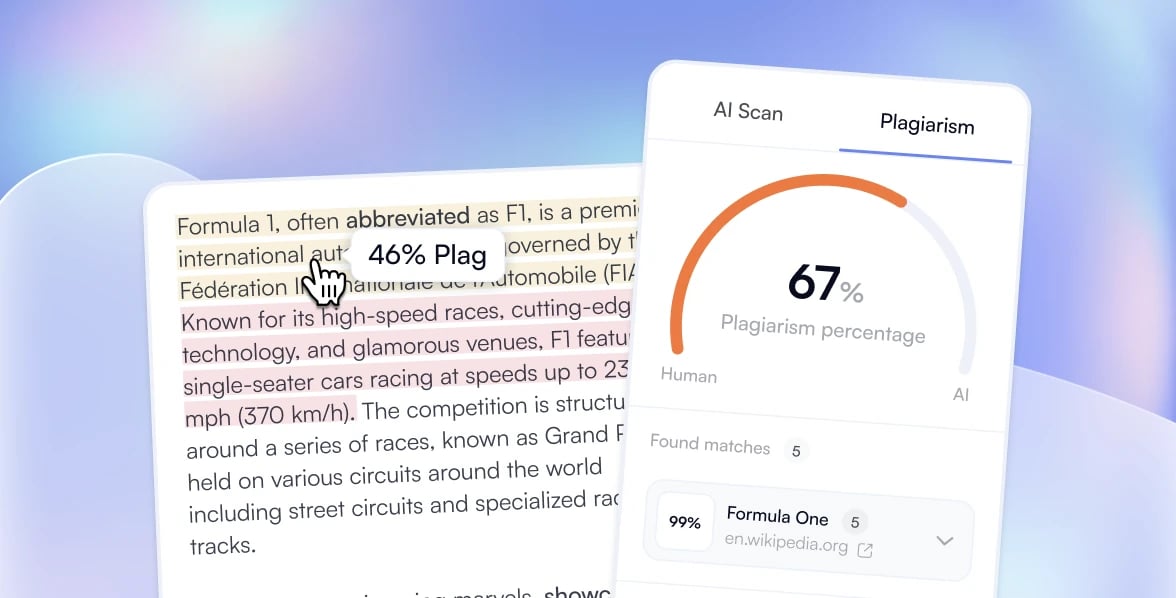
Plagiarism checking and AI detection address different questions. Review source matches, quotations and citations separately. A low similarity score does not establish authorship, and an AI result does not verify your references.